







Download NetBreezy app
Monitor Anytime, Anywhere


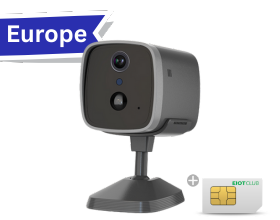
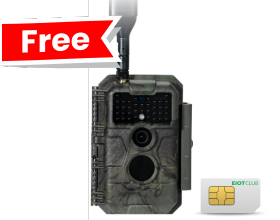
1. Make sure the camera is installed in an area with adequate 4G cellular coverage.
2. Verify that the data plan is active and has not expired.
3. Check the battery level. If the battery is low, charge the camera for at least 1 hour and try again.
4. After powering on the camera, wait about 1 minute until the indicator light turns solid green, then follow the setup instructions to add the camera to the app.
5. If you are connecting the camera to a new app account, reset the camera and add it again.
6. If you cannot select the device location during setup, make sure the app has permission to access your device's location.
After topping up the data plan, restart the camera manually by turning it off and back on, or wait about 1 hour for the device to reconnect automatically.
Note: For unlimited data plans, a renewal reminder will be sent 3 days before expiration.
Step 1: Verify that your data plan is active and has not expired. You can check the plan status in the app and top up if necessary.
Step 2: Check the battery level. If the battery is low, charge the camera for at least 1 hour and then power it on again.
Step 3: Check the 4G signal strength. If the camera is installed in an enclosed or obstructed area, move it to a location with better cellular reception and test again.
Press and hold the reset button for 5 seconds to reset the camera. After resetting the camera, you must follow all steps to add the camera.
If you have any questions about our products or services, please feel free to contact us.